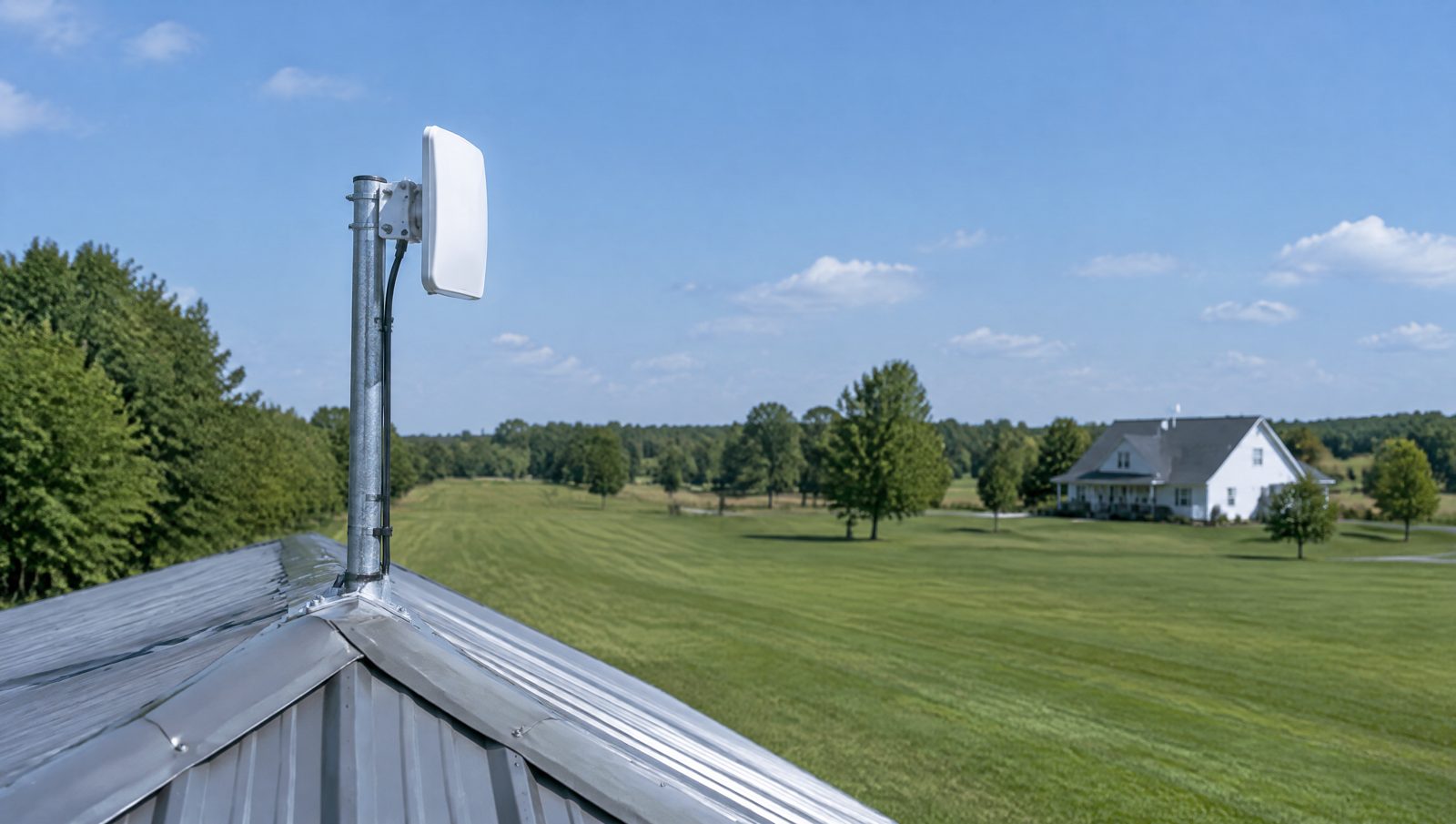
Somebody calls me about once a month with the same problem. There is a building out back with no internet. A pole barn in Ashland County. A pool house at a township park. A maintenance shed at a campground near Vermilion. A second shop building 400 feet behind the main office in Norwalk.
They need a camera out there, or a time clock, or a computer for the shop supervisor, or WiFi for a rental office that only opens Memorial Day through Labor Day.
Then they get a quote to trench fiber and the project dies.
It does not have to. In most cases you can get a solid, fast, reliable connection to that building with a pair of small antennas on the roof and no shovel in the ground.
Why trenching costs what it costs
Nobody is gouging you when they quote trenching. The work is genuinely expensive.
You are paying for a machine on site, an operator, utility locates, the conduit itself, and then restoration of whatever you dug through. Asphalt and concrete are the killers. Cross a paved parking lot and the patching can cost more than the cable.
Typical trenched runs in our area land somewhere between $10 and $30 per foot depending on soil, obstacles, and what is on the surface. So a 500 foot run to the barn is often a five figure number before you plug anything in.
There is also the part people forget. Direct burial copper has a distance limit. Ethernet tops out around 300 feet. Past that you need fiber, and fiber needs media converters or switches with fiber ports on both ends. More parts, more cost.
Fiber is the right answer sometimes. I will tell you when. But it is rarely the first answer.
What a point-to-point wireless link actually is
A point-to-point link is two small directional radios that see each other and act like a very long network cable.
One goes on the main building, aimed at the outbuilding. One goes on the outbuilding, aimed back. Both are powered by a single network cable running to them, so you do not need an outlet on the roof. Plug one end into your switch, plug the other end into a switch or access point in the barn, and the barn is on your network.
That is the whole idea. It is not WiFi in the normal sense. It is not a range extender. It is a dedicated private link between two points, and it behaves like wire.
How fast and how far
On the gear I install for small businesses, a clean link at a few hundred feet to half a mile will comfortably deliver a few hundred megabits, and the better radios will push gigabit speeds at shorter distances. That is far more than a barn, pool house, or guard shack will ever use.
For reference, four or five 4K cameras streaming back to a recorder in the main building is a load most links handle without breathing hard. A handful of laptops and a credit card terminal is nothing.
Distance is usually not the limiting factor. I have put in links that cross a farm field in Huron County and links that go 300 feet across a parking lot in Norwalk. The radios can do miles. Your buildings almost certainly are not miles apart.
The one thing that actually matters: line of sight
Here is the honest catch. These radios need to see each other.
A clear view from one mounting point to the other, with nothing solid in the middle. Wireless at these frequencies does not go through much. A metal building wall stops it cold. A hill stops it. A grain bin stops it.
Trees are the usual argument. A few bare branches in winter might be tolerable, but a full summer canopy of wet leaves will absolutely degrade or kill a link. If the sight line goes through woods, I will tell you that up front rather than sell you something that works in March and fails in June.
The good news is that mounting height solves most of it. Getting a radio up on a roof peak, a small mast, or an existing pole often clears the fence line, the equipment shed, or the row of maples that was in the way at ground level.
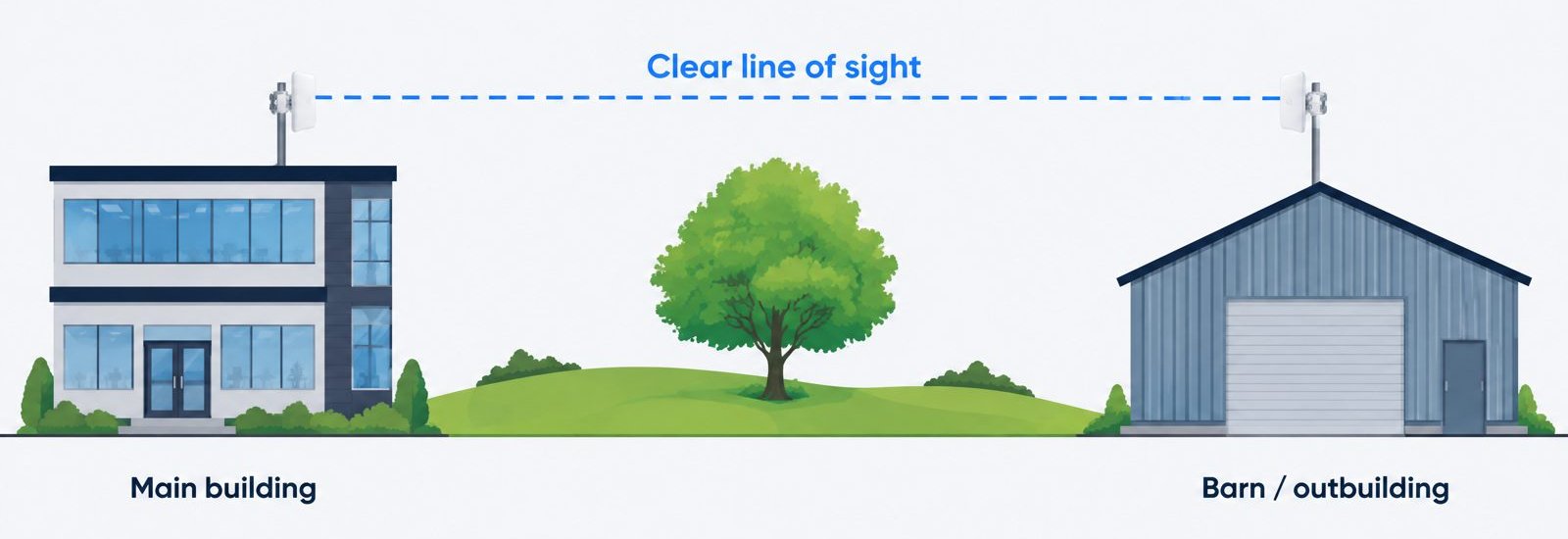
When I do a site visit for one of these, most of my time is spent figuring out where the radios go and whether they can see each other. Everything else is straightforward.
What it typically costs
Numbers you can plan around, for our area:
A basic link for a couple hundred feet across a parking lot, radios and mounting and configuration, typically runs $800 to $1,500 installed.
A longer link with a mast, a run up through the building, and a switch and access point on the far end typically runs $1,800 to $3,500.
Add cameras, outdoor access points, or a full WiFi buildout at the far building and you are into project territory, but the link itself is still the cheap part.
Compare that to trenching and the math usually makes the decision for you.
When I tell people to skip the wireless bridge
I would rather you spend your money once.
If the buildings are close and the ground is open, and the total run is under about 250 feet through dirt or grass you can open and close yourself, direct burial Cat6 in conduit is a fine answer. It is simple and it does not care about weather or trees. If you have a tractor with a plow attachment and a Saturday, this gets very cheap.
If there is no line of sight and no realistic way to create one, wireless is not going to work. Fiber or a cellular connection is the honest recommendation.
If the building needs almost nothing, a single camera or a thermostat, a cellular data plan can be the pragmatic choice. Typical business plans run $40 to $80 a month. That adds up over five years, but for a seasonal building that is only live four months a year it can beat a capital project.
If you already have conduit in the ground from an old phone line or a lighting circuit, say something before I quote anything. Existing conduit changes the whole picture.
Seasonal properties are a special case
Campgrounds, marinas, community pools, and fairgrounds around Erie and Huron counties have a pattern I see every year. Everything gets turned on in May, works for a season, and then sits outside all winter.
Two things matter for that kind of site.
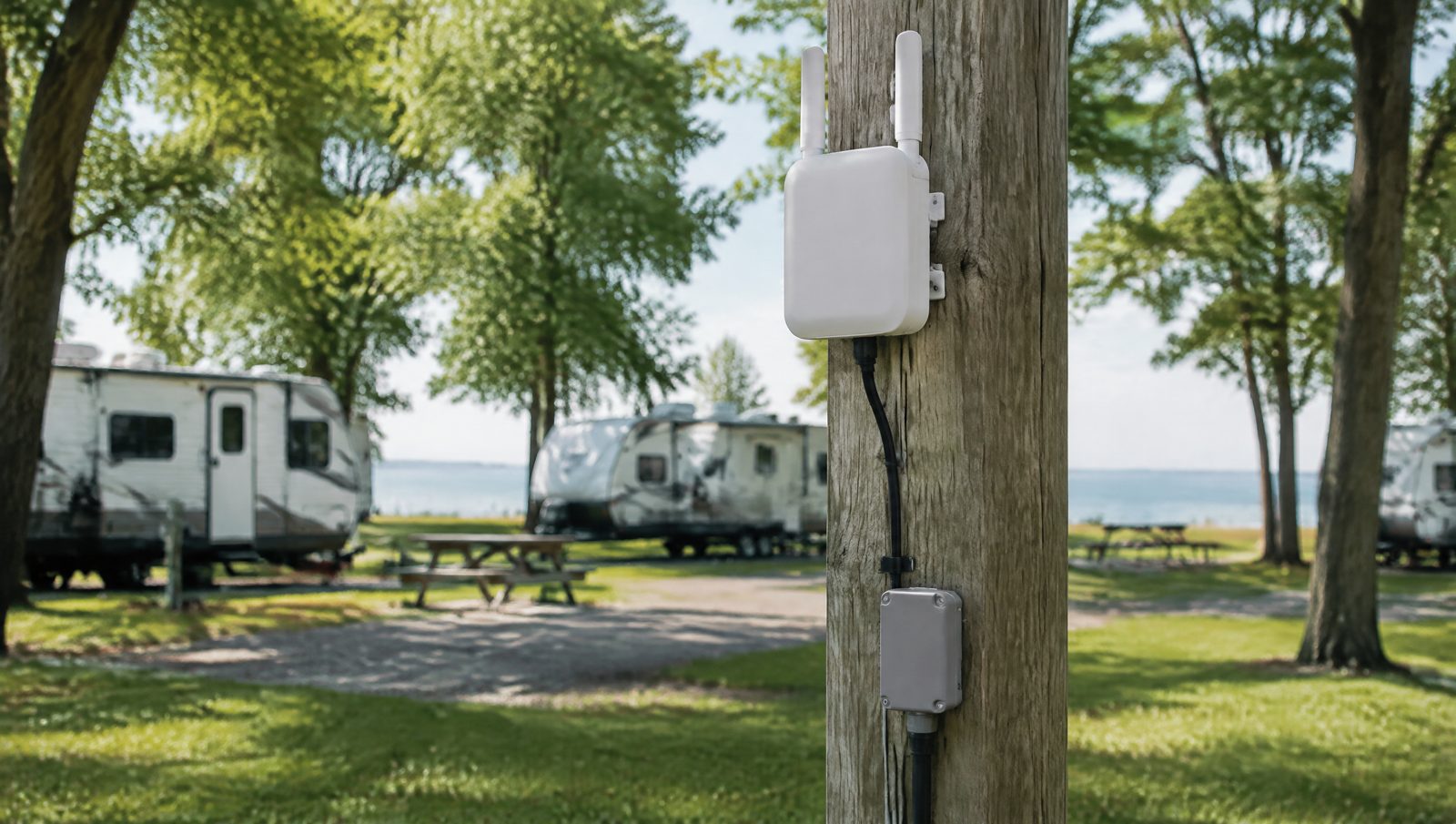
Mount the equipment so it survives. Outdoor rated radios and access points, proper grounding, and cable that is not stretched across a roofline where ice can take it down. Grounding especially. Anything on a mast on open ground near Lake Erie is a lightning candidate, and a surge protector on the network cable at the building entrance is not optional in my book.
Design it so a non technical person can bring it back up. I try to leave seasonal sites with a plain labeled sequence. Power this, then this, then wait. If a link needs a specialist every spring, it was designed wrong.
Cameras over a wireless link
This is the most common reason people call. They want eyes on the back lot, the equipment yard, or the pool gate, and they want the recording to live in the main building.
That works well. Put the cameras on a small switch at the far building, run them across the link back to the recorder, and you have one place to review footage.
One planning note. Record locally at the recorder, not to the cloud. Local recording means a link hiccup does not cost you footage, and it means your camera bandwidth stays on your own network instead of eating your internet upload. A Synology NVR handling the recording on site is the setup I put in most often for exactly this reason. More on that in our security camera systems overview.
Start with a look, not a quote
Every one of these projects comes down to two questions. Where can the radios go, and can they see each other. You cannot answer that from a map, and you should be suspicious of anyone who tries.
If you have a barn, shop, pool house, rental office, or back lot with no internet, call or email Balzer Computer Consulting and we will come out and walk it. The on-site assessment is free, we will tell you straight whether wireless is the right answer or whether you should put the cable in the ground, and you will get a real number either way.